
 by
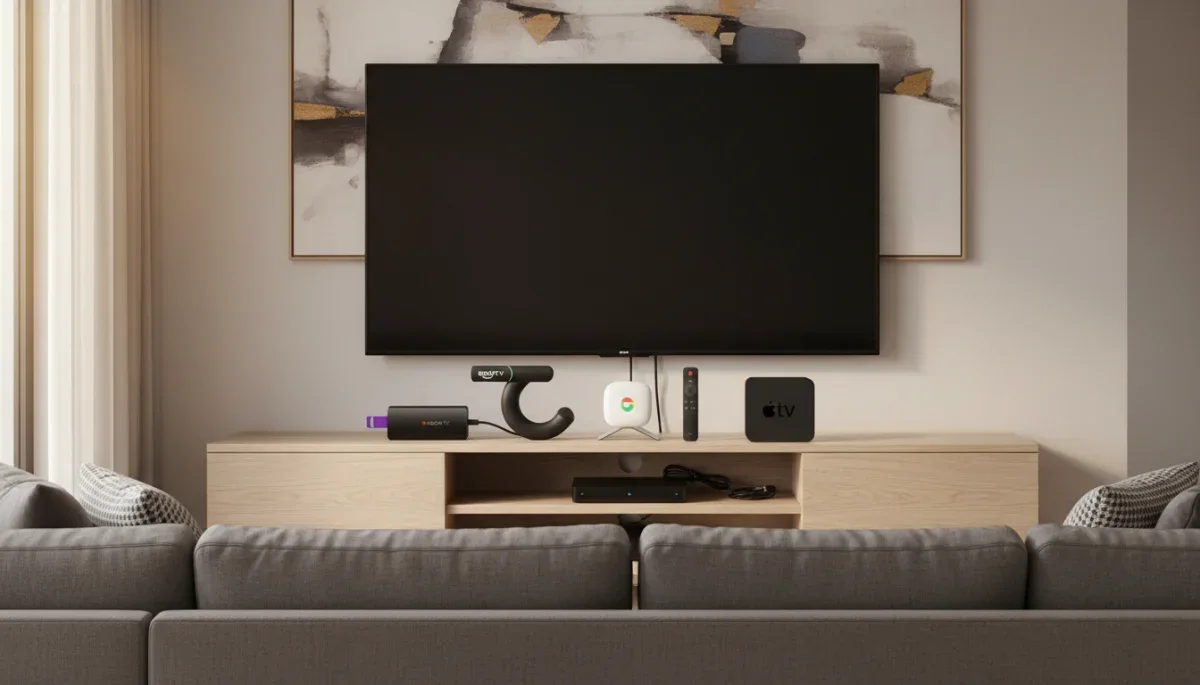
Tired of dealing with a sluggish smart TV interface that takes ages to launch your favorite apps? Having the best streaming devices compared side by side makes it easy to find a fast, user-friendly upgrade for your living room setup. Whether you want a simple remote or a powerhouse hub for your home theater, the big four platforms offer distinct advantages.
Interface and Daily Usability
How you navigate your entertainment matters just as much as picture quality. Each major platform handles content discovery differently:
- Roku: The simplest of the bunch. Roku treats every streaming service equally, using a basic grid of app tiles. If you hate sponsored clutter and want to jump straight into Netflix or Max, Roku keeps things straightforward.
- Google TV: Built around personalized recommendations. It pulls movies and shows from your active subscriptions onto a unified home screen, making it great for browsing when you are not sure what to watch.
- Amazon Fire TV: Content-forward, but heavily prioritized toward Prime Video, Freevee, and Amazon rentals. The interface features frequent banner ads, though voice navigation helps bypass the visual noise.
- Apple TV (tvOS): The cleanest, fastest, and most premium interface on the market. There are zero intrusive third-party ads, animations run at 60 fps, and app switching feels instantaneous.
Performance, Audio, and Video Standards
Most mid-range and premium streaming sticks support 4K resolution, HDR10+, Dolby Vision, and Dolby Atmos passthrough. However, actual processing speeds vary significantly.
Budget sticks from Roku, Amazon, and Google handle standard 4K playback reliably, but menu scrolling can stutter over time. If raw speed and future-proofing matter, the Apple TV 4K leads the pack with its desktop-class processor. It loads apps instantly, handles high-bitrate video effortlessly, and doubles as a capable casual gaming console.
Ecosystem and Smart Home Integration
Choosing the right device often comes down to the gadgets already in your home:
| Platform | Best For | Voice Assistant | Typical Price Range |
|---|---|---|---|
| Roku | Simplicity & neutral platform | Roku Voice | $30 – $100 |
| Google TV | Personalized recommendations | Google Assistant | $30 – $100 |
| Fire TV | Alexa users & Prime members | Amazon Alexa | $25 – $140 |
| Apple TV 4K | Apple users & premium setups | Siri | $129 – $149 |
Quick Takeaways
- Pick Roku if you want an easy, neutral menu without aggressive platform favoritism.
- Pick Apple TV 4K if you use an iPhone, value lightning-fast speed, and want an ad-free home screen.
- Pick Google TV or Fire TV if you want budget-friendly 4K streaming tied directly to your Google Assistant or Alexa smart home devices.
Frequently Asked Questions
Do I need a streaming device if I have a smart TV?
Not always, but dedicated streaming devices are generally faster, receive regular software updates longer, and offer better app support than built-in TV software, which often slows down after a couple of years.
Can I use an Apple TV if I have an Android phone?
Yes. You can set up and run Apple TV independently with its included remote. However, you will miss out on features like AirPlay, iPhone remote controls, and Apple Fitness+ pairing.
Do streaming devices require monthly subscription fees?
No. Setting up a device is free. You only pay for the individual subscription services (like Hulu, Disney+, or Peacock) or movie rentals you choose to use.
Which Streaming Device Should You Choose?
Having the best streaming devices compared shows that there is no single winner for every household. Casual viewers on a budget will love the simplicity of Roku or Google TV, while home theater enthusiasts will get the smoothest experience from Apple TV 4K. Pick the streamer that matches your existing smart home setup, plug it into your TV's HDMI port, and enjoy your upgrade.